# Home

### Integrated Scheme development environment for macOS and iOS

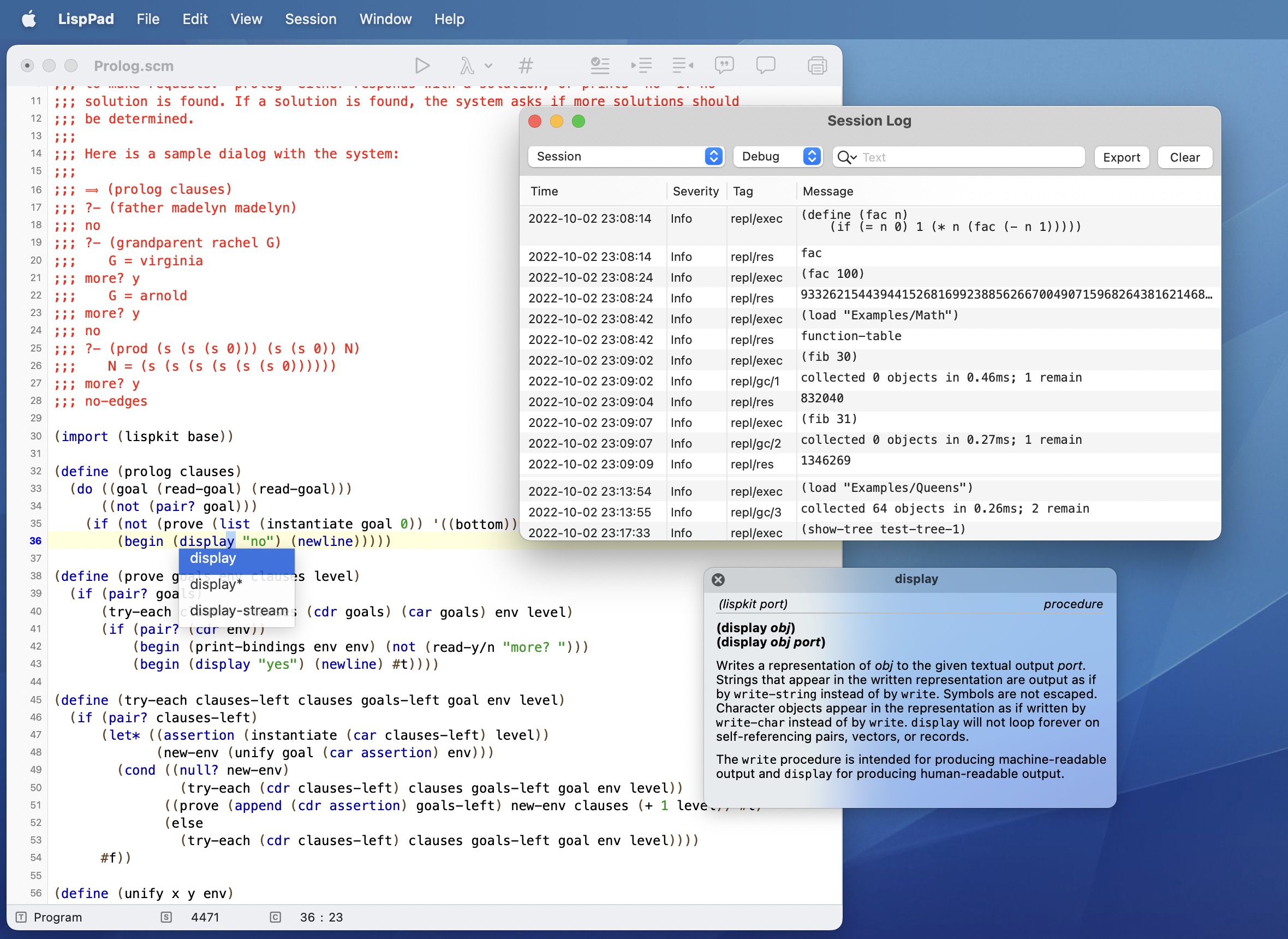
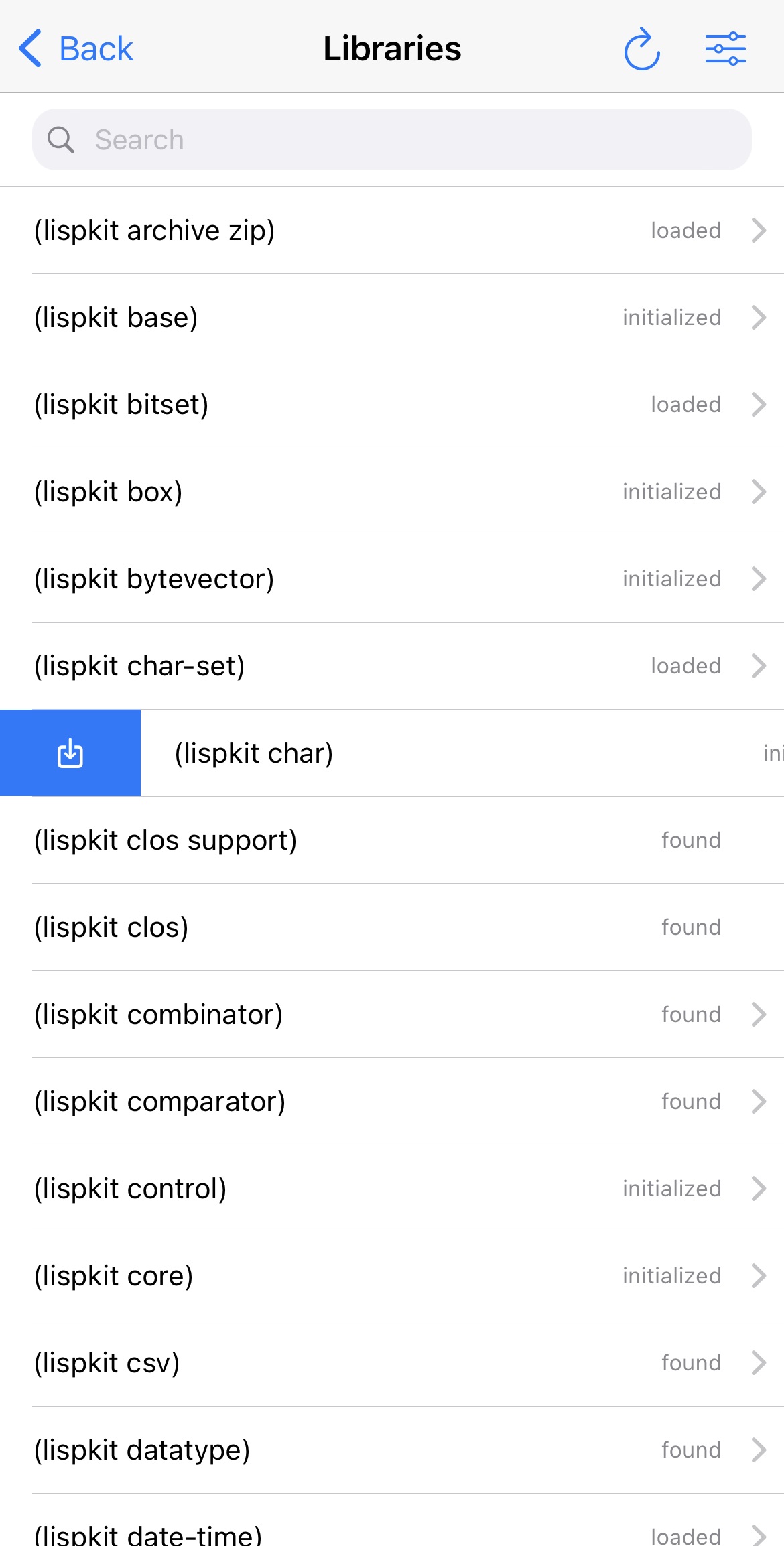
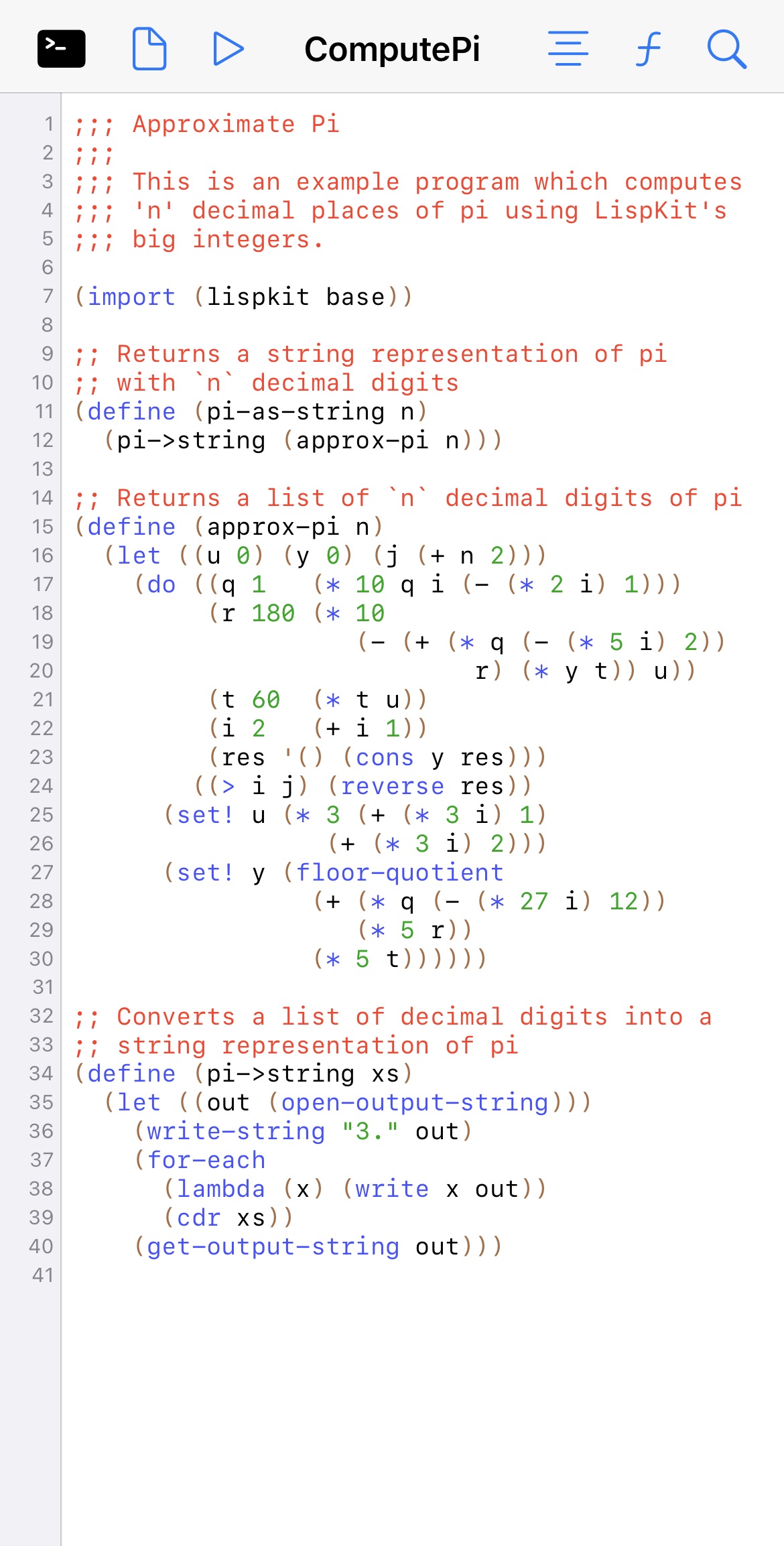
*LispPad* is a simple, lightweight, integrated development environment for developing and running Scheme code on macOS and iOS. The [language supported by LispPad](https://www.lisppad.app/applications/language) is based on the [R7RS standard](http://www.r7rs.org/) of the Scheme programming language. LispPad provides the following components:

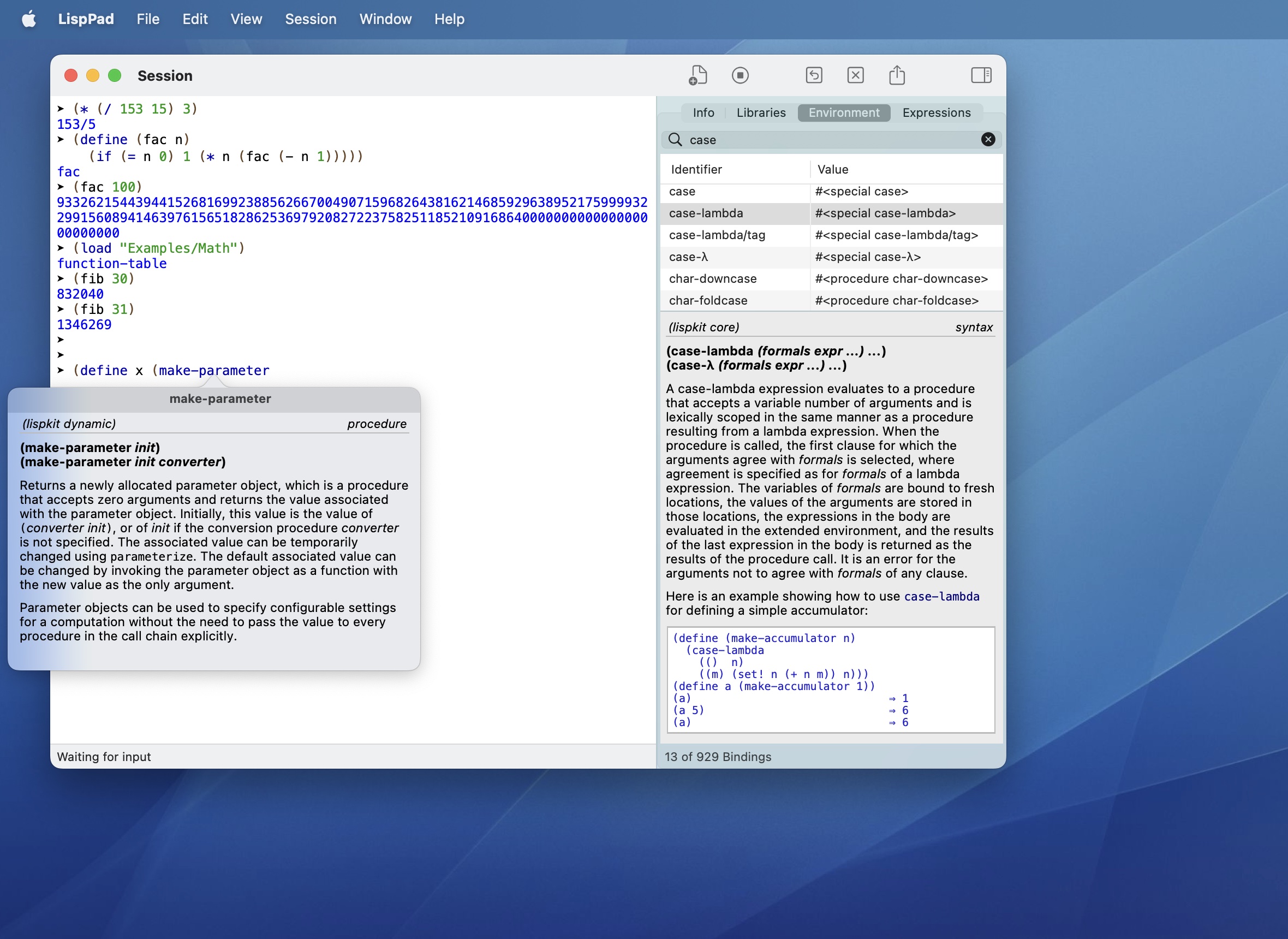
* A fully integrated Scheme interpreter (based on the [LispKit engine](https://github.com/objecthub/swift-lispkit))
* A large range of [supported libraries](https://www.lisppad.app/applications/libraries)
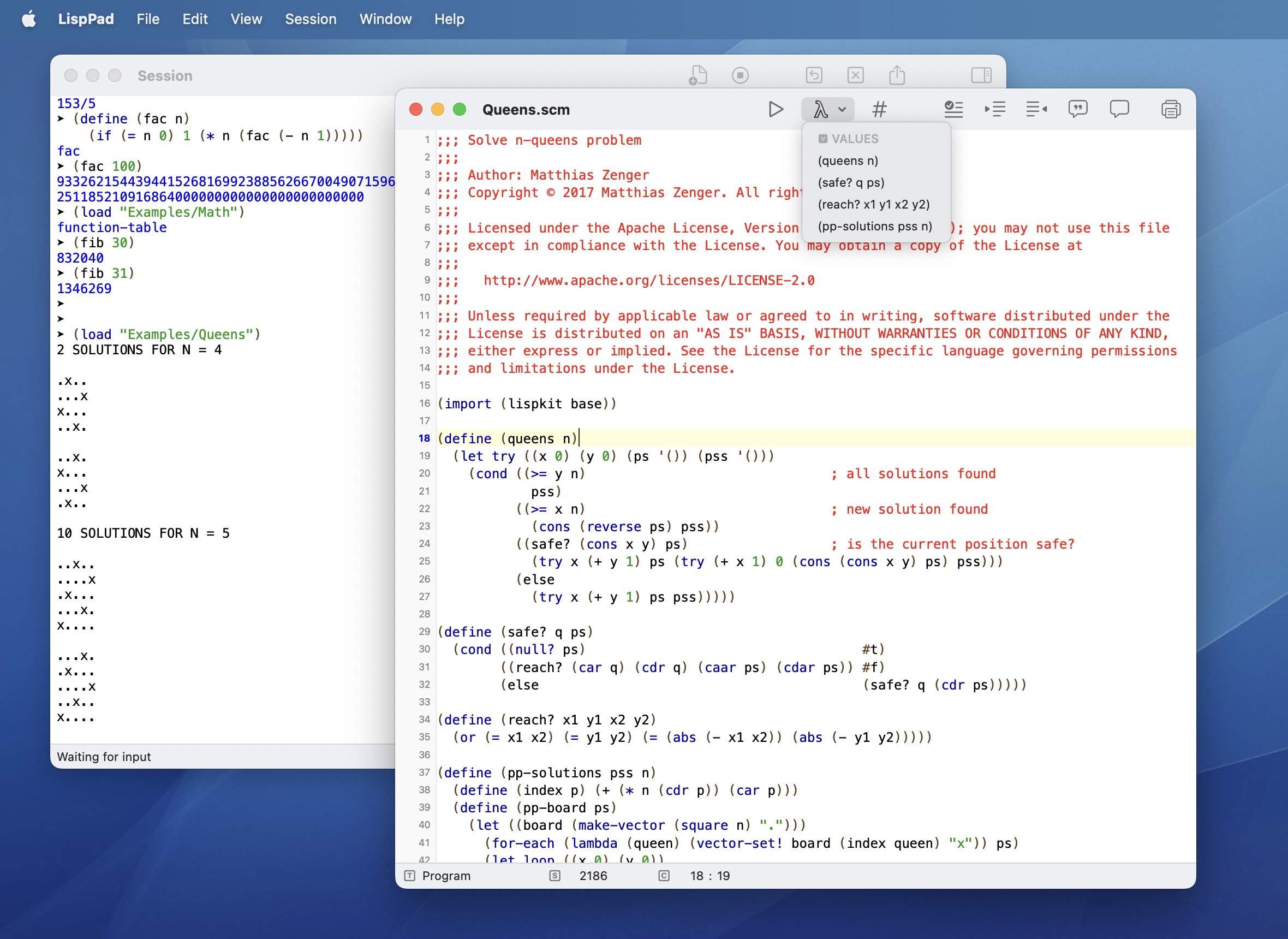
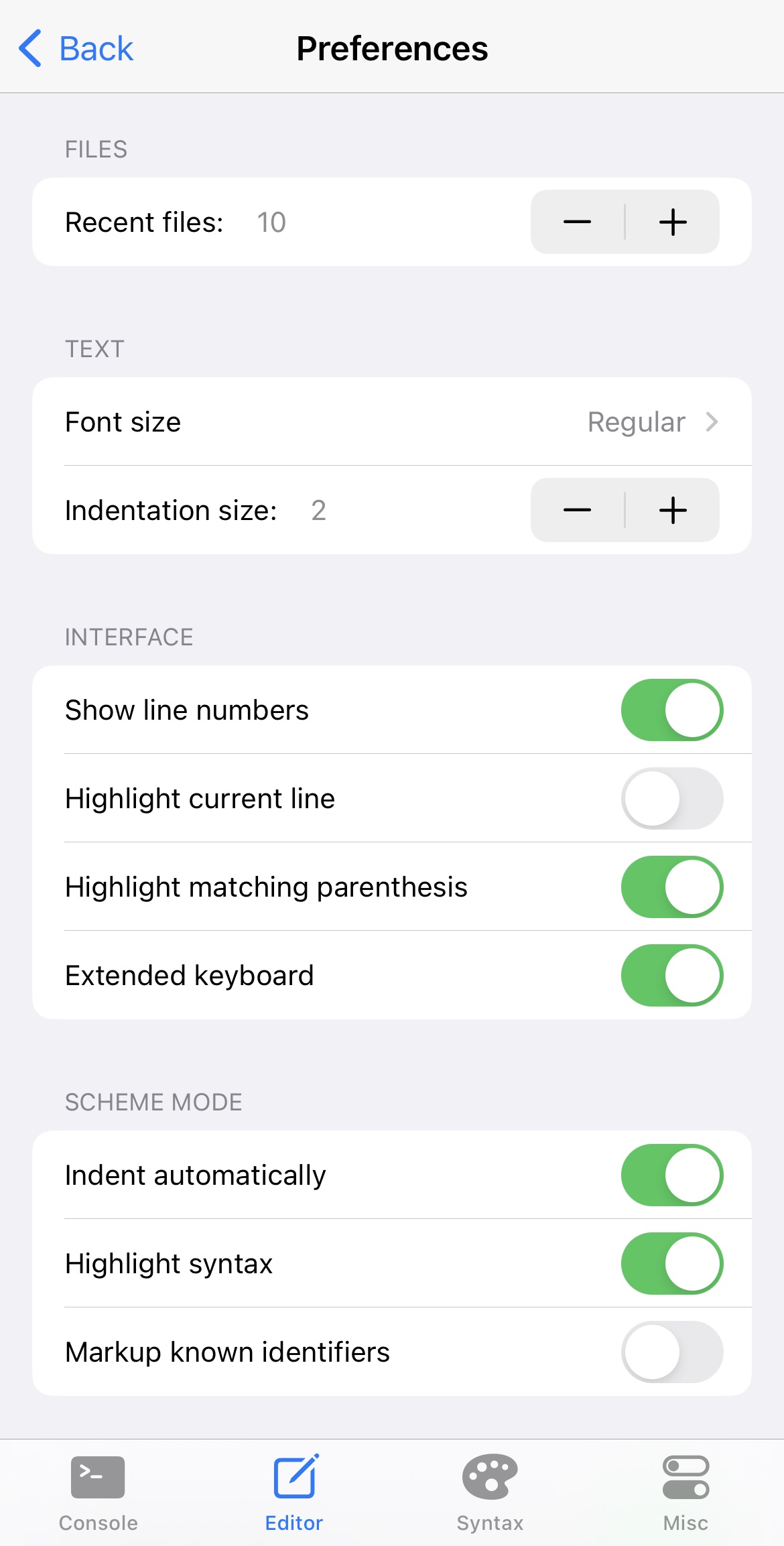
* A text editor supporting syntax highlighting, smart indentation, parenthesis matching, text completion, page guides, etc.
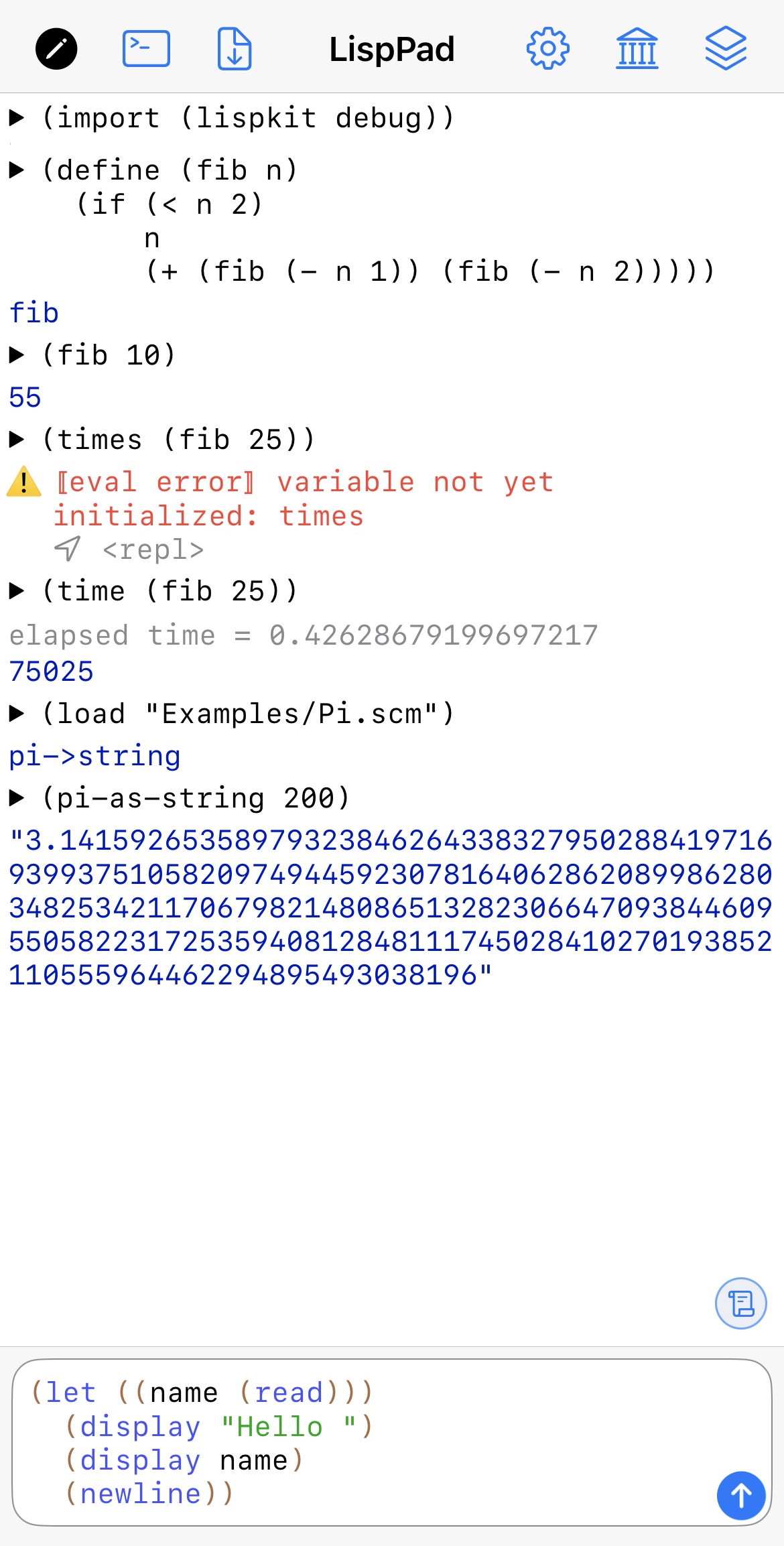
* A console with a read-eval-print loop
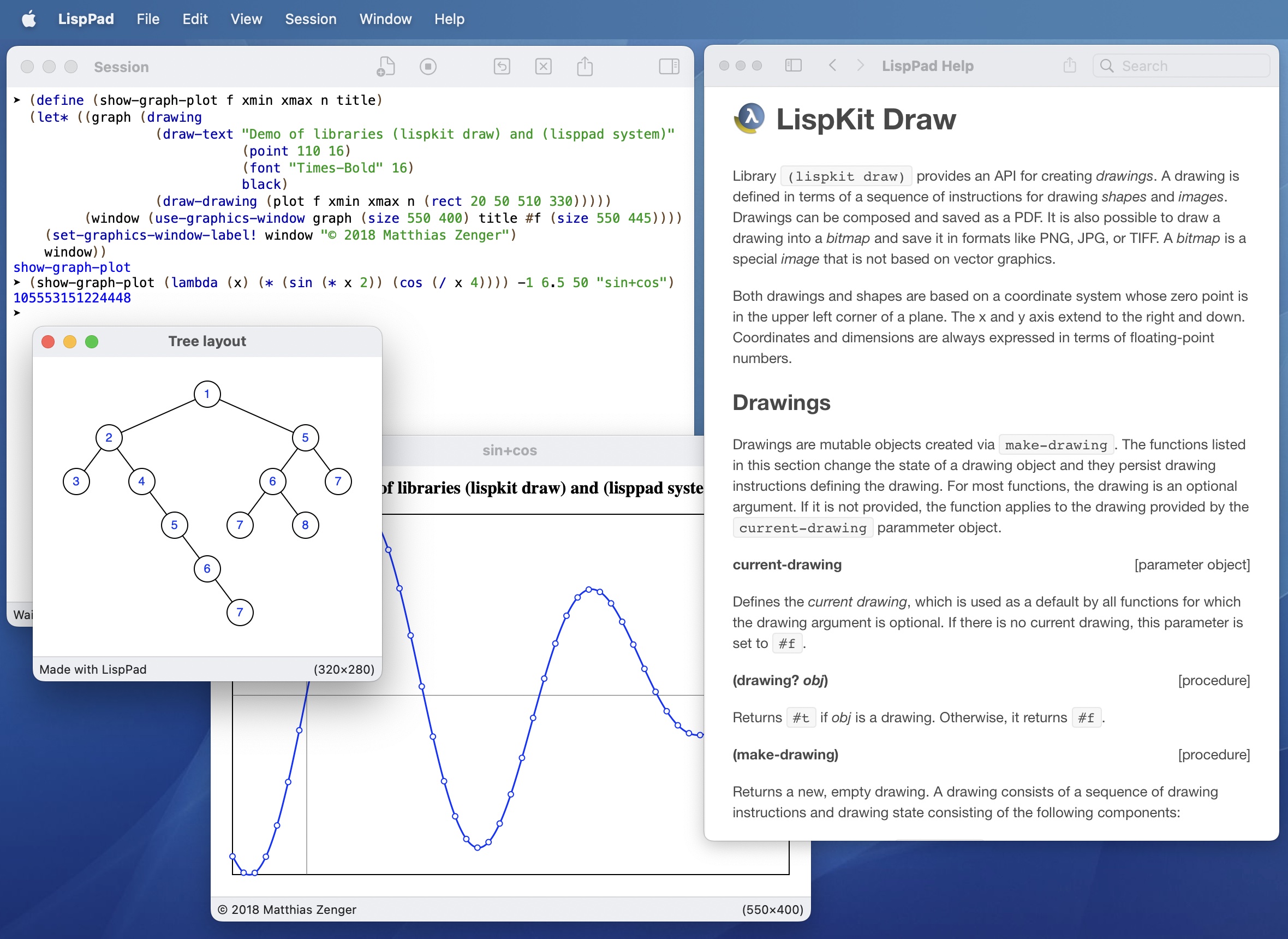
* Support for networking, audio, graphics, compression, Markdown, SQLite, etc.

*LispPad* is free and comes in two version: [*LispPad* for macOS](https://www.lisppad.app/releases/lisppad) and [*LispPad Go* for iOS](https://www.lisppad.app/releases/lisppad-go). The two versions can synchronize their programs, libraries and assets via iCloud. You can download a [reference manual](https://zenger.org/lisppad/assets/LispPad_Reference_2.2.pdf) documenting all the core LispPad libraries.

Please consider joining the [LispPad mailing-list](https://groups.google.com/a/objecthub.com/g/lisppad).

### LispPad on macOS

[![](https://1467949168-files.gitbook.io/~/files/v0/b/gitbook-x-prod.appspot.com/o/spaces%2Fna2foeoaXHYkSD3fhs0t%2Fuploads%2FmyWHdUxDPecra4Ug5Aql%2FMacAppStore.png?alt=media\&token=72d9c3fc-b7d5-4111-a166-fe97b0ea3d04)](https://apps.apple.com/de/app/lisppad/id1258939760?l=en\&mt=12)

<div><figure><img src="https://1467949168-files.gitbook.io/~/files/v0/b/gitbook-x-prod.appspot.com/o/spaces%2Fna2foeoaXHYkSD3fhs0t%2Fuploads%2FclAuTrOiPGXvIvOrYnXK%2FLispPad_1s.jpg?alt=media&#x26;token=c082ec9b-0223-46a3-9367-881752dc8d3b" alt=""><figcaption><p>LispPad session and environment browser</p></figcaption></figure> <figure><img src="https://1467949168-files.gitbook.io/~/files/v0/b/gitbook-x-prod.appspot.com/o/spaces%2Fna2foeoaXHYkSD3fhs0t%2Fuploads%2FwhC5ZUqLYhwZH0upoCkV%2FLispPad_4s.jpg?alt=media&#x26;token=45ef8315-2f3e-4afd-81e1-80d6a20c81ca" alt=""><figcaption><p>LispPad editor and tools</p></figcaption></figure> <figure><img src="https://1467949168-files.gitbook.io/~/files/v0/b/gitbook-x-prod.appspot.com/o/spaces%2Fna2foeoaXHYkSD3fhs0t%2Fuploads%2FvJgmnhZNcioDeJGpKtmI%2FLispPad_3s.jpg?alt=media&#x26;token=d5cf0320-c681-4527-b3a7-6ddd49362511" alt=""><figcaption><p>Graphics windows and the help system</p></figcaption></figure> <figure><img src="https://1467949168-files.gitbook.io/~/files/v0/b/gitbook-x-prod.appspot.com/o/spaces%2Fna2foeoaXHYkSD3fhs0t%2Fuploads%2Fi2nx9ysQcA5PR4dB3mNK%2FLispPad_2s.jpg?alt=media&#x26;token=6258c6f7-c1fd-408c-99ff-d44feead459f" alt=""><figcaption><p>Using sessions and editors side-by-side</p></figcaption></figure></div>

### LispPad on iOS

[![](https://1467949168-files.gitbook.io/~/files/v0/b/gitbook-x-prod.appspot.com/o/spaces%2Fna2foeoaXHYkSD3fhs0t%2Fuploads%2FK6d2y1pAbR37hgxQzkJa%2FAppStore.png?alt=media\&token=520d7d4c-a36f-42cf-8e1b-6c3a75ad3fc8)](https://apps.apple.com/us/app/lisppad-go/id1565747728)

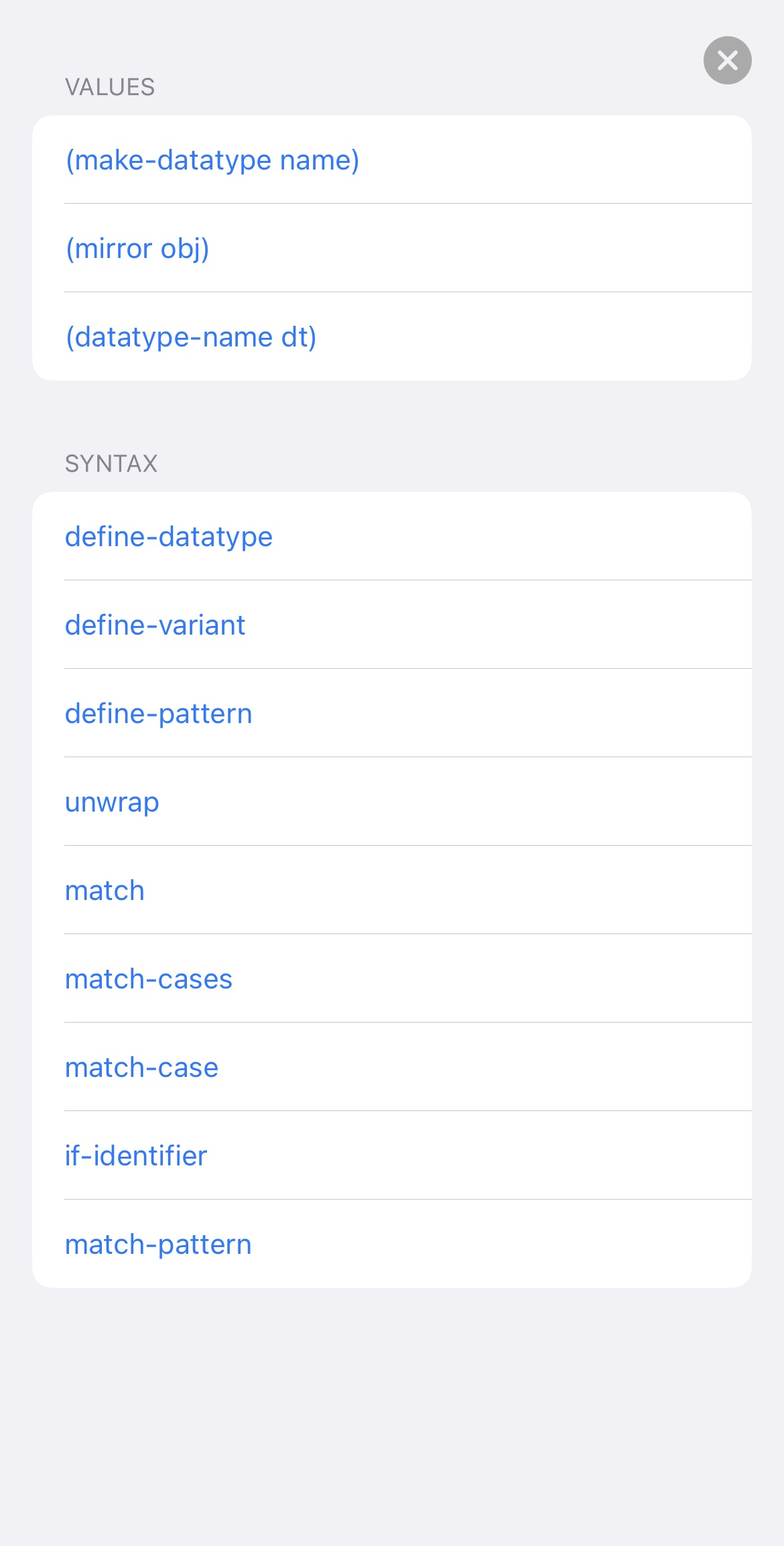
<div><figure><img src="https://1467949168-files.gitbook.io/~/files/v0/b/gitbook-x-prod.appspot.com/o/spaces%2Fna2foeoaXHYkSD3fhs0t%2Fuploads%2FOFf6PnC0UT8EreoRb9fK%2FIMG_5700.jpg?alt=media&#x26;token=01649f91-f21d-40d9-bde2-89917e54d4fe" alt=""><figcaption><p>Session view</p></figcaption></figure> <figure><img src="https://1467949168-files.gitbook.io/~/files/v0/b/gitbook-x-prod.appspot.com/o/spaces%2Fna2foeoaXHYkSD3fhs0t%2Fuploads%2FG2w66c4e0sj7vooOz9YZ%2FIMG_5701.jpg?alt=media&#x26;token=5b80b9a8-0f29-465b-8547-d81ddcc933b4" alt=""><figcaption><p>Library browser</p></figcaption></figure> <figure><img src="https://1467949168-files.gitbook.io/~/files/v0/b/gitbook-x-prod.appspot.com/o/spaces%2Fna2foeoaXHYkSD3fhs0t%2Fuploads%2F9QAs2WehMFwnZmDJ15ul%2FIMG_5704.jpg?alt=media&#x26;token=6b2e210a-1a5f-4688-b5ab-0798edccbcc8" alt=""><figcaption><p>Documentation viewer</p></figcaption></figure> <figure><img src="https://1467949168-files.gitbook.io/~/files/v0/b/gitbook-x-prod.appspot.com/o/spaces%2Fna2foeoaXHYkSD3fhs0t%2Fuploads%2Fqe6ZSmeVeMJjJKvY3klx%2FIMG_5705.jpg?alt=media&#x26;token=0c1eac59-342a-48ec-b16e-a960adad7335" alt=""><figcaption><p>Graphics in sessions</p></figcaption></figure></div>

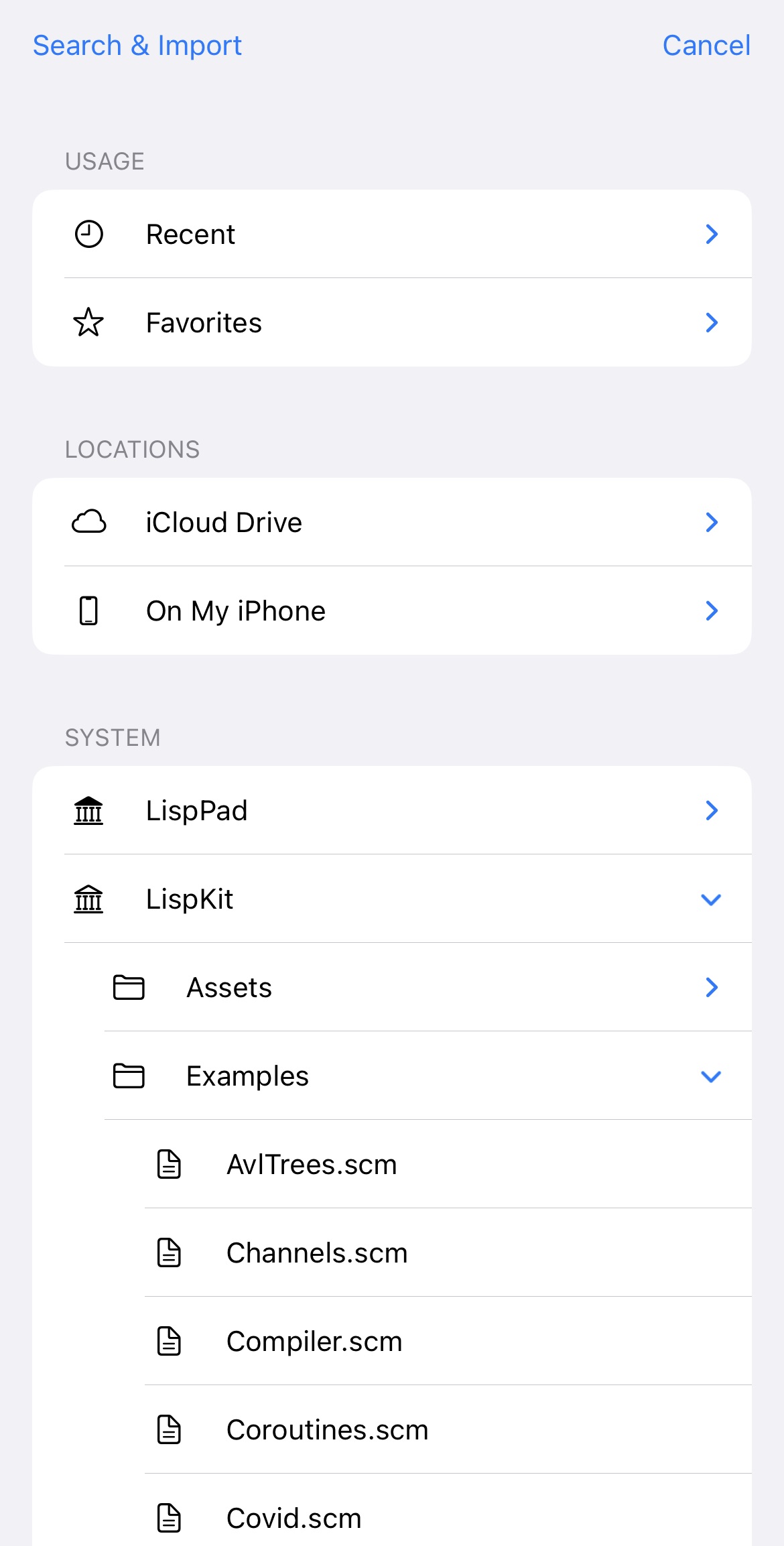
<div><figure><img src="https://1467949168-files.gitbook.io/~/files/v0/b/gitbook-x-prod.appspot.com/o/spaces%2Fna2foeoaXHYkSD3fhs0t%2Fuploads%2FxKgsgCwqcaox00kYdu6N%2FIMG_5706.jpg?alt=media&#x26;token=936158bb-d9b8-451b-ad74-3dbab8e90ad5" alt=""><figcaption><p>Program editor</p></figcaption></figure> <figure><img src="https://1467949168-files.gitbook.io/~/files/v0/b/gitbook-x-prod.appspot.com/o/spaces%2Fna2foeoaXHYkSD3fhs0t%2Fuploads%2FI7ucgptsBm36pLbfctLJ%2FIMG_5707.jpg?alt=media&#x26;token=1f94db17-84db-4f53-b22b-036d4be9e863" alt=""><figcaption><p>Definition browser</p></figcaption></figure> <figure><img src="https://1467949168-files.gitbook.io/~/files/v0/b/gitbook-x-prod.appspot.com/o/spaces%2Fna2foeoaXHYkSD3fhs0t%2Fuploads%2FpR1W5afQ4SFvRs7eiZiV%2FIMG_5708.jpg?alt=media&#x26;token=f6720c2f-be62-4be3-a2e8-0f06fd8fe364" alt=""><figcaption><p>File browser</p></figcaption></figure> <figure><img src="https://1467949168-files.gitbook.io/~/files/v0/b/gitbook-x-prod.appspot.com/o/spaces%2Fna2foeoaXHYkSD3fhs0t%2Fuploads%2FPw0O7cpksxSuzVRTkbqR%2FIMG_5709.jpg?alt=media&#x26;token=2dd3b7c2-3fd0-46f7-8087-9fe00cb036dc" alt=""><figcaption><p>Settings</p></figcaption></figure></div>